The dashboard
What Searchscope puts in front of you, and what to open first.
In appDashboard
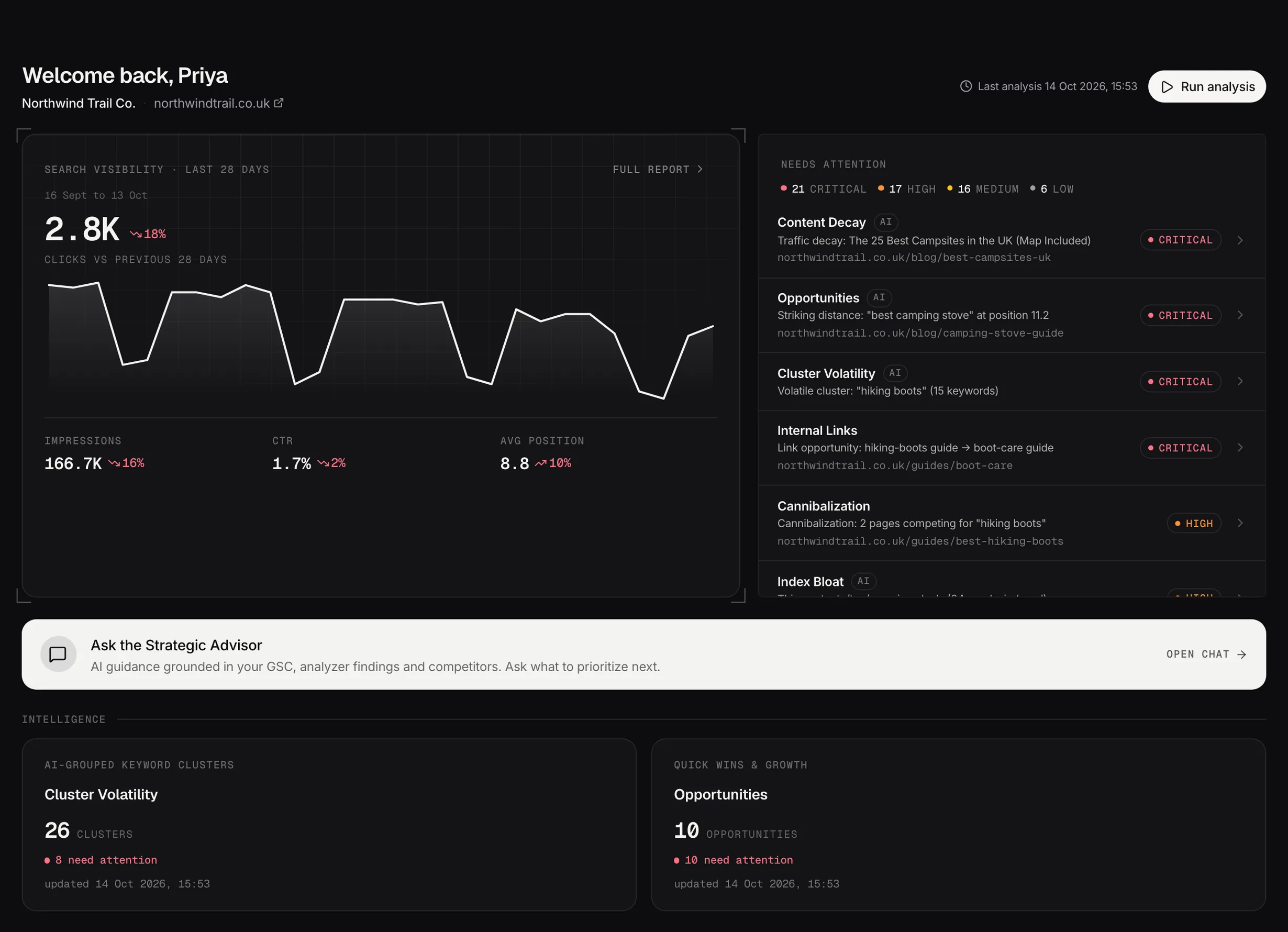
The dashboard: the last 28 days of search performance beside the findings that need attention first.
Demo dataYour week, then your problems
The left side is your search performance, straight from Google Search Console. The right side is the critical and high issues from the latest analysis.
That split is deliberate. The left tells you how you're doing, the right tells you what to do about it, and the right is where to start.
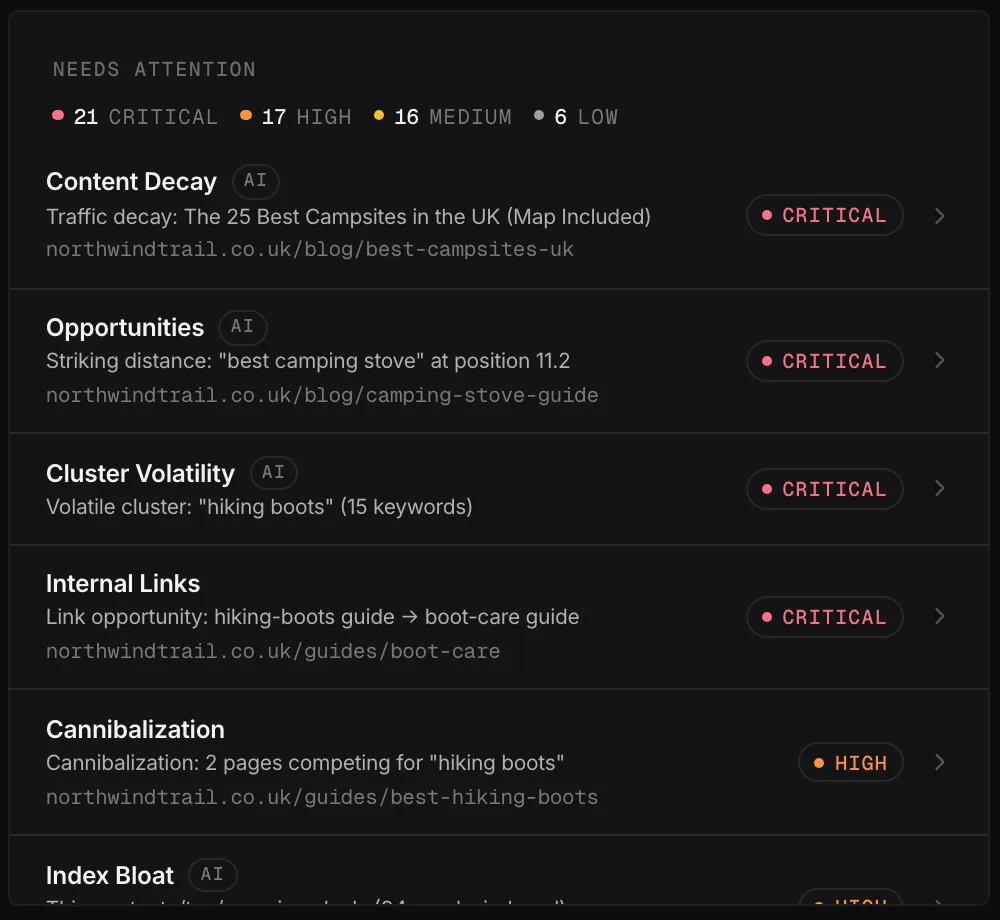
Needs attention: the week's findings from every analyzer, ranked by severity.
Demo dataThe three bands below
Intelligence holds the strategic analyses: topics gaining or losing ground, and pages ranking just off page 1. Open a card and the workspace walks you through every finding.
Technical checks are the analyzers: index bloat, internal links, pages competing with each other, decaying content, missing schema. The badge on each one is what that check found.
Your Strategist has already read your search data, findings and competitors. Asking it what to prioritize is a reasonable first move on any day you don't know where to start.
If a card is greyed out
It's waiting for its analyzer. The checks run in order and unlock as they finish, so on a new account the dashboard fills in over the first session rather than all at once.